
Summary: If your VoIP calls sound unclear, the issue often comes from your network setup. Voice calls depend on stable packet delivery. Proper structured cabling, QoS configuration, VLAN setup, and wired connections help keep calls clear and consistent. Strong infrastructure supports clear communication. |
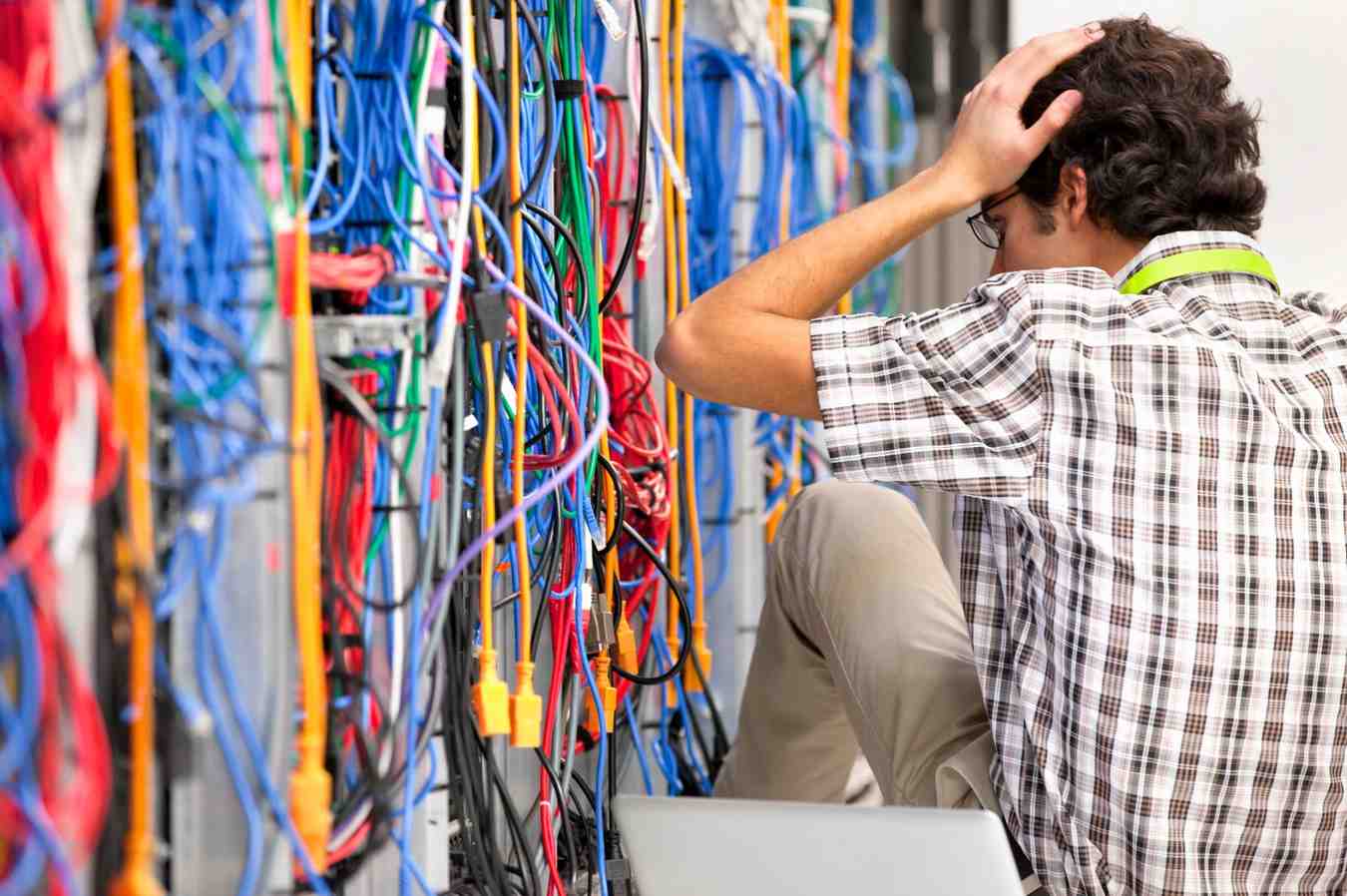
Most businesses blame their VoIP provider when calls sound bad. But in many cases, the real problem is inside the walls, poor voice and data cabling.
VoIP depends on stable packet delivery. If your structured cabling is outdated, overloaded, or poorly configured, call quality will suffer. Before switching providers or upgrading plans, it’s worth looking at the foundation of your network.
At Network Drops, we’ve been designing and installing structured cabling systems across New Jersey and Pennsylvania since 1986. We’ve seen firsthand how improper infrastructure quietly destroys VoIP performance.
Let’s break down why it happens and how to fix it.
Sometimes technical terms feel abstract. The table below connects network problems to real-world call issues.
Network Issue | What It Means | What You Hear on Calls |
High Latency | Delay in packet arrival | Echo, people speaking over each other |
Jitter | Packets arrive unevenly | Robotic or broken voice |
Packet Loss | Packets dropped in transit | Missing words or syllables |
Network Congestion | Too much traffic at once | Choppy audio or call drops |
Poor Cable Termination | Signal degradation | Static, distortion, unclear voice |
This is why VoIP troubleshooting must start at the infrastructure layer.
Structured cabling is the backbone of your VoIP network. If the foundation is weak, voice quality will always suffer.Proper design includes:
Higher-grade copper reduces crosstalk and signal interference, keeping voice packets clean and consistent.
Fiber minimizes latency and signal degradation across floors or buildings, improving overall call stability.
Organized racks prevent cable stress, overheating, and troubleshooting delays that can affect network performance.
The system operates through proper labeling of patch panels which enables engineers to resolve problems faster while avoiding incorrect routing of voice connections.
Reliable PoE switches deliver continuous power together with data transmission to VoIP phones while maintaining stable voltage levels.
Voice traffic needs separation from data-intensive activities because they disrupt call quality.
QoS prioritization rules
Quality of Service must transmit voice data before any other less important network traffic which includes downloads and streaming.
Now let’s clarify two important concepts:
QoS prioritizes voice traffic over other network data so calls are not delayed during peak usage.
A voice VLAN isolates voice packets from regular data traffic, reducing congestion and improving call consistency.
When cabling and switching are designed correctly, voice packets travel smoothly, arrive on time, and deliver clear conversations without interruption.
Below is how infrastructure choices affect real-world call quality.
Cabling Design Choice | Impact on VoIP Quality |
Dedicated Voice VLAN | Reduces congestion and jitter |
QoS Prioritization | Prevents packet delay during heavy traffic |
Fiber Backbone | Minimizes latency across floors or buildings |
Wired Ethernet to Phones | More stable than WiFi connections |
Certified CAT6 Runs | Cleaner signal, fewer transmission errors |
Small infrastructure upgrades can make a massive difference in clarity.
WiFi is convenient, but it introduces variability that wired networks do not. VoIP requires consistent packet timing. WiFi introduces instability that can disrupt that timing.
Common WiFi-related issues include:
The presence of walls and metal objects and microwaves and nearby networks causes wireless signals to experience both signal degradation and distortion which results in jittering and packet loss.
All wireless devices compete on the same radio frequencies which causes voice packet delays during high traffic times.
The 2.4 GHz band experiences Bluetooth device interference from wireless keyboards headsets and other Bluetooth devices which creates call clarity problems.
A device experiences decreased signal strength when it moves away from the access point which results in increased latency and packet loss.
Voice traffic experiences delays and interruptions when multiple users on the same WiFi network stream content and download large files and conduct cloud backups.
VoIP over WiFi can work in low-density environments. However, wired Ethernet remains the most stable solution for desk phones and call-heavy offices.
When call clarity matters, hardwired connections win.
Bandwidth planning is critical for maintaining stable VoIP performance.
Most VoIP calls use approximately 64–128 kbps per call, depending on the codec and audio quality settings.
To estimate required bandwidth:
Number of simultaneous calls × bandwidth per call = minimum voice requirement
For example: 20 simultaneous calls × 100 kbps = 2 Mbps minimum dedicated for voice traffic
This number represents only voice usage. It does not include file transfers, cloud applications, or video conferencing.
Best practice is to allocate at least double the calculated amount to absorb peak usage and prevent congestion.
For example: If you need 2 Mbps for voice, plan for at least 4 Mbps to ensure stability.
However, bandwidth alone does not guarantee quality. Traffic prioritization, VLAN segmentation, and clean structured cabling matter just as much.
Many businesses tolerate small call issues for years without realizing the infrastructure is the cause. Watch for these warning signs:
Calls disconnect unexpectedly due to packet loss or unstable switching hardware.
Jitter causes uneven packet arrival, creating distorted audio.
Adding new devices increases network load beyond what older cabling was designed to handle.
Modern VoIP systems require better switching, VLAN setup, and higher cable standards.
Older cables are more prone to crosstalk and interference, especially in high-density environments.
More laptops, phones, printers, cameras, and IoT devices compete for bandwidth.
Basic switches without QoS or VLAN capabilities cannot properly prioritize voice traffic.
If your infrastructure was installed 10+ years ago, it likely was not built for modern VoIP, cloud applications, and device density.
If your VoIP calls sound robotic, delayed, or unreliable, the issue may not be your service provider.
It may be your infrastructure.
VoIP depends on packet timing. Packet timing depends on network design. Network design depends on structured cabling.
At Network Drops, we design and install custom voice and data cabling systems across New Jersey and Pennsylvania. Our licensed team builds networks that support stable voice communication, secure data transfer, and long-term performance.
Schedule a network site evaluation today and ensure your VoIP system performs the way it should.
Robotic sound usually indicates jitter. Packets are arriving unevenly due to congestion, poor cabling, or lack of QoS configuration.
Yes. CAT6 reduces crosstalk and supports higher bandwidth. This improves packet consistency and voice clarity.
Ethernet is more stable. WiFi can introduce latency and packet loss under load.
Latency above 150 milliseconds can noticeably impact call clarity according to the FCC.
A voice VLAN isolates voice traffic so it is not delayed by file transfers, streaming, or other data-heavy activities.

Scott Fcasni is the driving force behind Magna5’s commercial datacomm cabling division, delivering expert solutions that power reliable, high-performance network infrastructures. With extensive experience in structured cabling and a commitment to precision, Scott ensures that every project—whether for small businesses or large enterprises—meets the highest standards of quality and scalability.
