
Summary : A professional network installation smoothens the running of a business; avoids downtime, and supports growth. Experts will undertake any cabling, fiber, and system setup to guarantee reliability, security, and scalability. A shoddy or hurried network installation often causes frequent outages leading to security risks and higher costs.
Most companies don’t think about their network until something goes wrong. A sales call drops halfway through. A report won’t upload when a deadline is minutes away. Transactions crawl while customers are waiting. In that moment, frustration quickly turns into lost time and lost money.
The truth is, these problems usually come down to how the network was set up in the first place. A patchwork install might get things running, but it rarely holds up under real business pressure. Professional commercial network installation keeps your systems steady, secure, and ready to grow.
Commercial network installation is a process of design and deployment of the physical and logical framework on behalf of interconnecting computers, phones, servers, and similar devices within a commercial environment. Unlike most residential networks, commercial networks must be planned for optimum performance, security, scalability, and conformance to industry standards. In turn, a good installation should feature proper structured cabling (Cat6, Cat6A, fiber), neat rack systems, configured switches, routers, and proper testing and documentation.
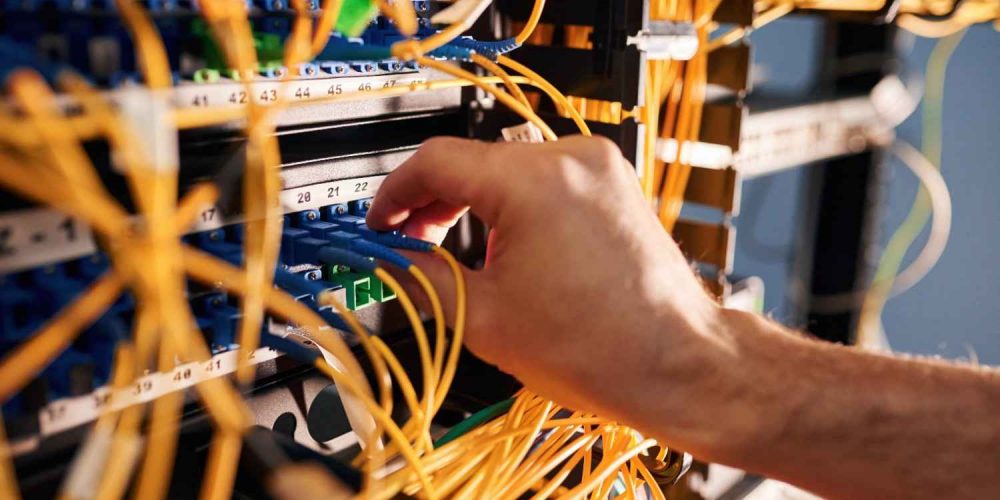
We follow a standard approach rigorously so that network investment translates into long-term value for you.
It is an opportunity cost for every minute’s worth of downtime. For businesses of any size, considerable inconvenience arises from outages or a loss in revenues, reputation, or employee productivity.
Here’s what the numbers show:
Business Size | Avg. Downtime Cost per Hour (2025) |
Small Business | $8,000 – $25,000 |
Mid-Sized Company | $74,000 – $426,000 |
Enterprise | $500,000+ |
The takeaway: downtime is not just an IT headache, it’s a serious financial liability.
Network installations made by certified professionals do not create any risk to your business; in fact, it is due to these installations that your business can grow, ensuring that the installation meets compliance needs.
Professional installation isn’t just an IT decision; it’s a business growth strategy.
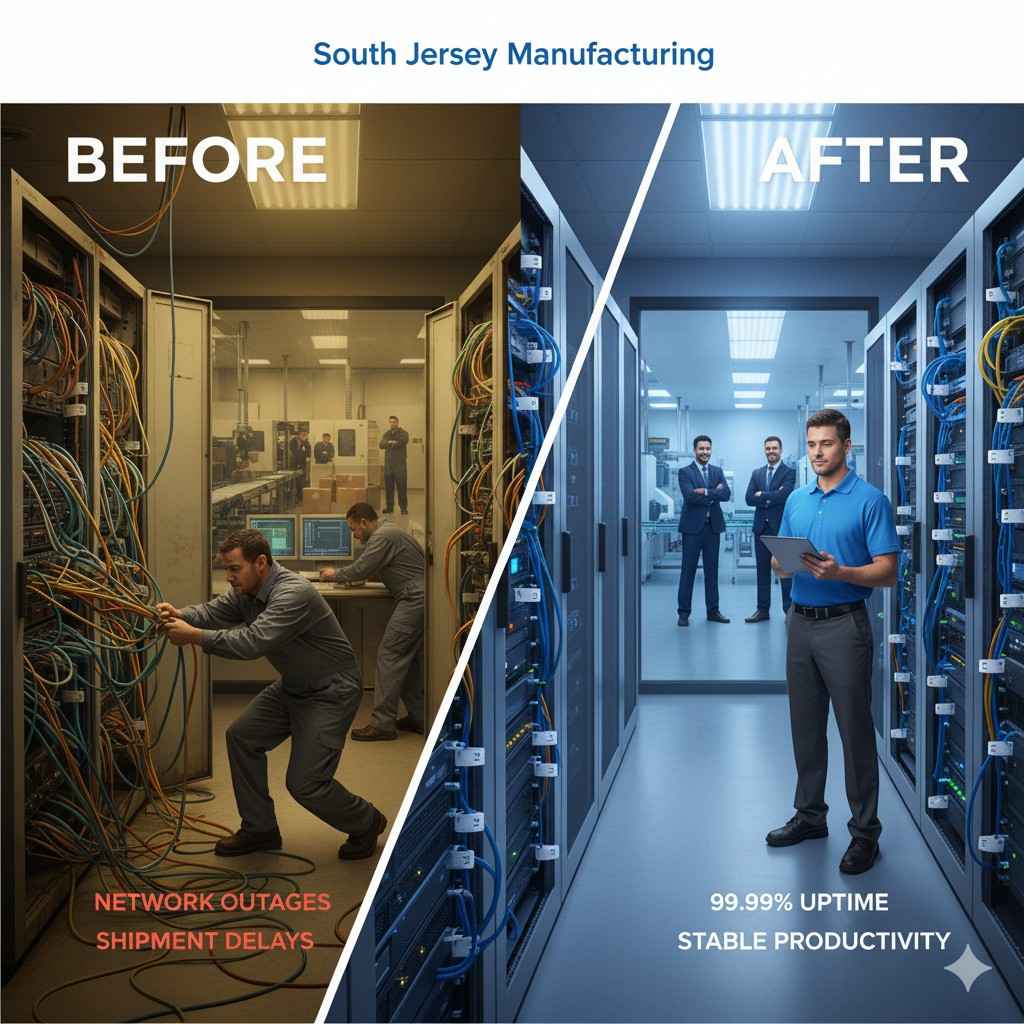
Consider a manufacturer in South Jersey. They relied on a patchwork setup managed by multiple contractors over the years. The result was frequent outages, especially during peak production hours. Each incident delayed shipments and cost thousands in lost productivity.
When Network Drops stepped in, the team:
The uptime was improved to 99.99%, stabilized productivity, and made the management trust that day-to-day affairs would carry on smoothly without disruptions from networks.
What does the process look like when experts handle installation? It’s methodical, standards-based, and documented every step of the way.
Each phase reduces risk and ensures the network is stable from day one.
Trying to save money by minimizing network investment often creates larger expenses later. The risks include:
Cutting corners in network infrastructure almost always leads to higher costs in the long run.
It’s crucial for a business to find the right network partner, and businesses should evaluate certifications and vendor experience rather than just the price.
Choosing a partner carefully ensures your investment is protected and scalable.
A shaky or lagging network creates chaos in your ongoing productivity. Gaps of 5 minutes lagging PC turns out to be a 3-hour waste of time when seen from a wide perspective. The commercial network installation makes sure that the infrastructure is scalable and compliant. It helps maintain the productivity level of the workforce and keeps growth plans intact.
Network Drops takes pride in offering a full spectrum of services with licensed and future-ready network solutions throughout New Jersey and Pennsylvania.
You can set up a free site audit or even quote a custom installation itinerary to take an appropriate next step. Let’s build a network for growth, together.
Costs vary widely depending on scale, cabling type, and facility layout. Small offices may invest tens of thousands, while large, multi-site projects can run significantly higher.
Simple installations can take a few days. Complex deployments with fiber backbones may require several weeks. Timelines depend on upfront planning.
Cabling defines network speed and longevity. Cat6a and fibre cables provide much higher speeds and handle much more traffic than lower-grade cables, which even degrade in quality after a few years.
Yes. Wired backbones provide stability, while wireless offers flexibility. The key is careful design to avoid interference and maintain security.
Sometimes repeated repairs can cause performance lags and delays. Opting for a full network refresh is better if the outages are frequent or the data is missing. Might even cost less in the long term

Scott Fcasni is the driving force behind Magna5’s commercial datacomm cabling division, delivering expert solutions that power reliable, high-performance network infrastructures. With extensive experience in structured cabling and a commitment to precision, Scott ensures that every project—whether for small businesses or large enterprises—meets the highest standards of quality and scalability.
